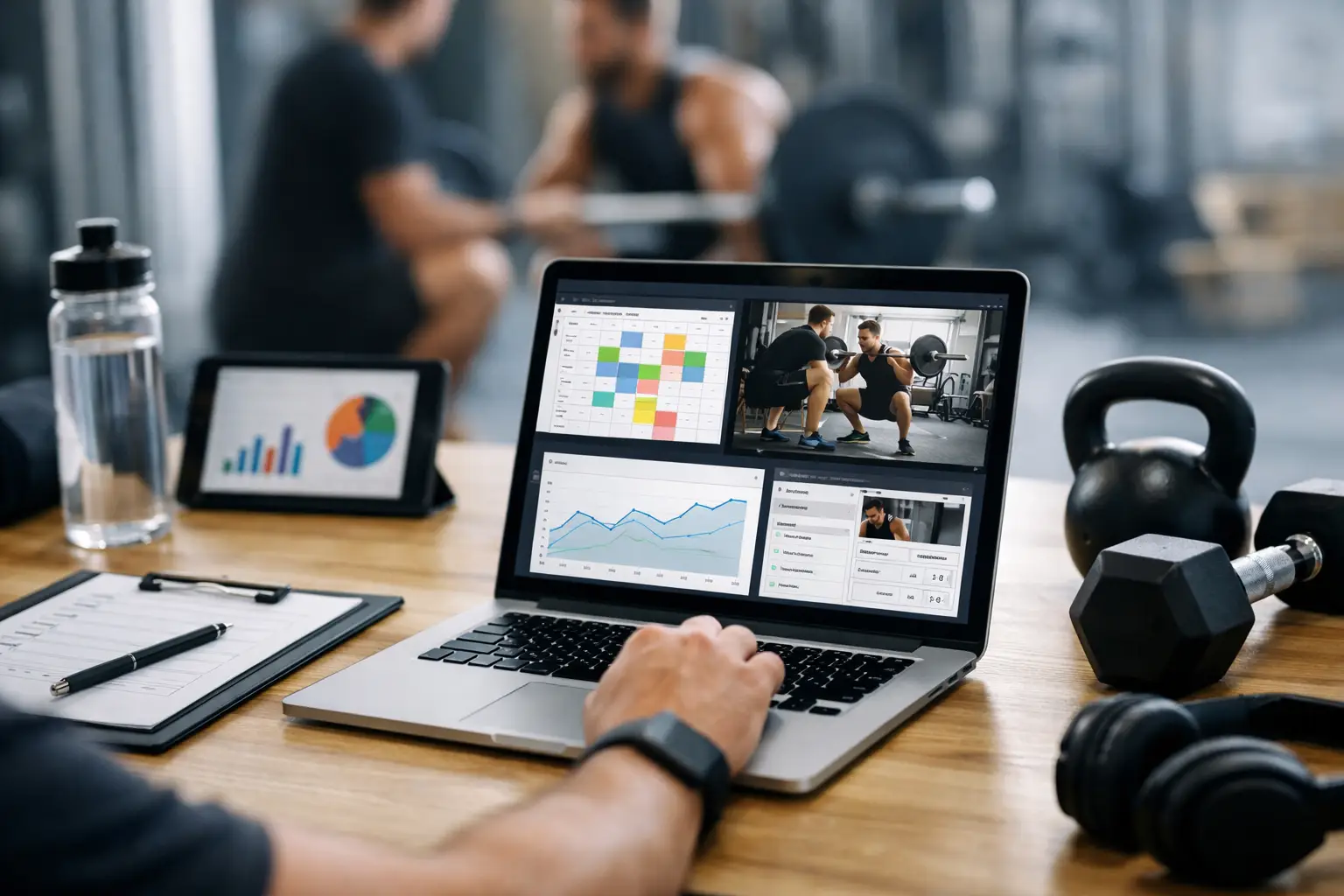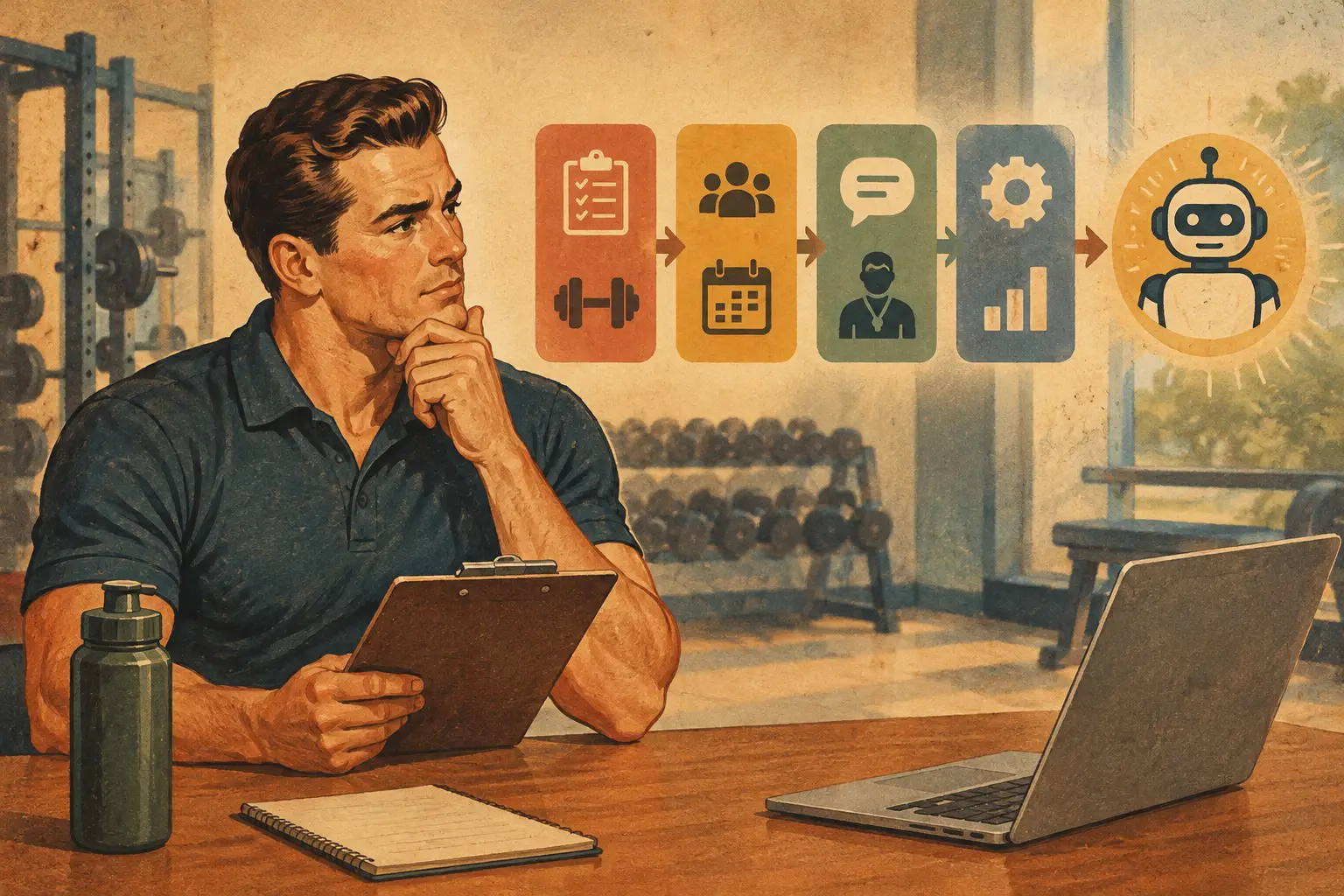
A coach with 40 clients does not need to work 40 times harder than a coach with 10. But that is exactly what happens when every welcome message, check-in reminder, macro adjustment, and program update depends on a manual task. What should trainers automate first? Start with the work that repeats constantly, affects every client, and requires the least coaching judgment.
That distinction matters. Automation should remove administrative drag, not turn your coaching into a generic content delivery service. Clients still pay for your eye, your decision-making, and your accountability. The goal is to spend more time applying those strengths and less time chasing incomplete check-ins or copying the same information between spreadsheets, messaging apps, and nutrition tools.
What Should Trainers Automate First? Start With Check-In Collection
Weekly check-ins are usually the best first automation because they sit at the center of remote coaching. They drive programming decisions, nutrition adjustments, client communication, and retention. Yet many coaches still send reminders individually, collect responses in scattered forms, and manually search through past data before they can make a decision.
Automate the prompt, the due date, and the collection process first. A client should know exactly when a check-in is due, what information is expected, and where to submit it. That can include body weight trends, progress photos, training performance, step count, sleep, hunger, stress, digestion, and adherence. The exact fields should reflect the service you sell, not a bloated template that clients rush through.
The payoff is larger than saved messages. Consistent check-ins create clean longitudinal data. When a client reports poor sleep, rising soreness, and declining session performance for two weeks, you can see a fatigue pattern rather than treating each complaint as an isolated event. When adherence is strong but body weight has stalled, you can make a nutrition decision with confidence instead of guessing.
Do not automate the interpretation too early. A platform can organize responses, flag missed check-ins, and summarize the information. You should still decide whether a client needs a deload, a change in food intake, a conversation about recovery, or simply another week of consistency. Automation prepares the decision. Coaching makes it.
Build reminders around behavior, not annoyance
A reminder system should be firm without becoming noise. Send the first prompt on the client’s established check-in day, then use a follow-up only when the form remains incomplete. If someone routinely misses check-ins, that is not merely a notification problem. It is a coaching and retention signal worth addressing directly.
Set expectations during onboarding: check-ins are how the plan evolves. Clients who understand that connection are more likely to submit useful information and stay engaged with the process.
Automate Onboarding Before Your Roster Gets Bigger
The second priority is onboarding. Every new client needs a professional first week, but repeating the same setup steps manually is a growth ceiling disguised as customer service.
Automate the operational sequence: account invitation, intake form, baseline measurements, progress-photo instructions, app orientation, and the first check-in date. A clear onboarding flow reduces the awkward gap between payment and action, when new clients are excited but uncertain about what happens next.
This is also where a branded experience earns its keep. Instead of asking clients to download several disconnected apps and bookmark multiple forms, give them one place to view training, nutrition, messages, and progress. That makes your service feel organized from day one and reduces support questions that have nothing to do with coaching.
Still, avoid treating onboarding as fully hands-off. A short personal welcome message or kickoff call can establish trust quickly, especially for high-ticket 1:1 coaching. Automate the logistics around that moment, not the relationship itself.
Then Automate Program Delivery and Repetitive Adjustments
Once check-ins and onboarding run reliably, automate the portions of program design that follow established rules. Templates, exercise libraries, recurring training blocks, scheduled progressions, and delivery dates are strong candidates. They prevent version-control mistakes and eliminate the weekly task of rebuilding a structure you have already designed well.
For strength and physique coaching, autoregulation is a more valuable next step than blindly scheduled increases. A load adjustment based on reported reps in reserve can respond to the athlete in front of you better than adding five pounds because the calendar says so. Research on RIR-based autoregulation supports its use for managing effort and adjusting training loads, but it still depends on clients learning to report effort honestly and consistently.
Automated deload recommendations can be useful, too, when they are based on accumulating fatigue signals such as declining performance, poor recovery, and unusually high perceived effort. They should be treated as prompts for review, not unquestionable commands. A client returning from travel, a client in a hard dieting phase, and a client facing a stressful work deadline may show similar data for very different reasons.
CoachingPortal supports this approach by combining multi-block periodization, RIR-based load adjustments, automatic deload scheduling, and weekly check-in data in one coaching workflow. The practical advantage is not automation for its own sake. It is fewer manual updates and a clearer view of why a training decision is being made.
Automate Nutrition Logistics, Not Nutrition Accountability
Nutrition creates enormous administrative volume, particularly when coaches build meal plans, monitor macros, answer food-swap questions, and create grocery guidance across a full roster. After the core check-in and programming systems are stable, automate the repeatable logistics around nutrition.
Use standardized meal-plan structures, recipe collections, grocery lists, macro calculations, and approved food swaps. These systems help clients act on the plan without waiting for you to answer every routine question. They also make it easier to deliver training and nutrition as one coordinated service rather than two separate products with conflicting instructions.
The trade-off is personalization. A meal plan may meet calorie and protein targets yet fail because it ignores budget, culture, cooking skill, schedule, appetite, or family meals. Automation can suggest a macro-friendly replacement when a client is off target. It cannot fully understand why that client skipped lunch three days in a row. That requires a conversation and a plan that fits real life.
For nutrition-only coaches, the order can shift slightly. Food logging setup, recurring check-in forms, macro targets, and meal-planning support may come before training delivery. The principle remains the same: automate recurring actions with clear rules, then reserve human attention for barriers, behavior change, and strategy.
Use Compliance Alerts Before You Automate More Marketing
Many trainers jump straight to lead funnels, sales sequences, and social media scheduling. Those tools can help, but automating acquisition before fixing delivery often creates more clients inside an already strained operation.
Compliance alerts are a better next move. Flag missed workouts, incomplete check-ins, low nutrition adherence, or disappearing step data early. A timely message after two missed sessions can prevent a client from quietly disengaging for a month. This is where automation supports retention: it makes sure no client becomes invisible simply because your roster grew.
Be careful with thresholds. A single missed workout may be normal. Three missed workouts combined with no check-in and no message is different. Set alerts around patterns, then decide how you will respond. Some clients need a quick nudge; others need a simplified plan, a rescheduled call, or a direct conversation about commitment.
Keep the Coach in the High-Value Moments
A useful test is simple: if a task requires context, empathy, or a meaningful trade-off, do not fully automate it. Clients want your judgment when they are plateaued, injured, overwhelmed, losing motivation, or deciding whether to push harder. They do not need your judgment to receive a reminder that their check-in is due.
Start with one workflow, measure the time it saves and the client behavior it improves, then build from there. The best automation does not make your coaching feel less personal. It gives you the capacity to be more present exactly when personal coaching matters most.