Client progress tracking software
built for fitness coaches
Client progress tracking software should keep the record for you: progress photos on a dated timeline, body measurements and a body-fat estimate, weight against each client's goal, strength and volume trends from logged sessions, and weekly reports that build themselves. All of it in a branded app the client actually opens.
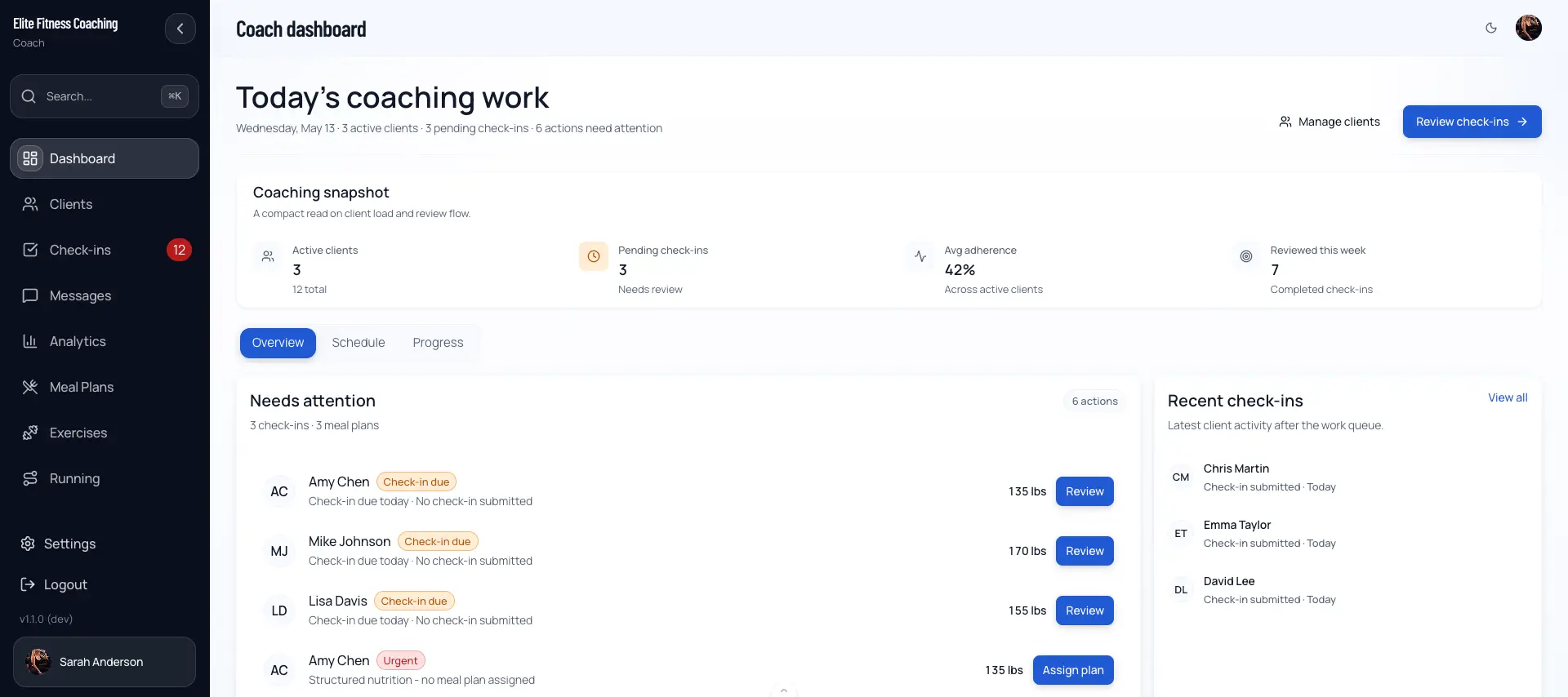
The record should keep itself
Most coaches start out tracking progress in a spreadsheet, a folder of photos, and a running message thread. It works until it does not. The photos are hard to line up week to week, the measurements get re-typed with the occasional wrong unit, and the only person who can actually read the whole picture is the coach. When a client asks “am I even making progress?” the answer lives in three places.
Progress tracking that is built into the coaching platform closes that gap. Every weigh-in, photo, measurement, and logged set lands in one client record and gets charted against everything before it. The scale weight sits next to the inches, the photos, and the lifts, so a flat week on one number is obvious in context instead of alarming in isolation. And because it is the same system your client trains and checks in through, nothing has to be copied anywhere.
The rest of this page walks through exactly what gets tracked, how the weekly reports build themselves, and how that data turns into the decisions you make on check-ins and program adjustments.
What gets tracked
Six kinds of progress data, each charted over time so no single number tells the whole story.
Progress photos
Front, side, and back photos on a dated timeline. Filter by tag or date range, and open any photo full-size with the weight and date overlaid. Clients upload from the dashboard, from a check-in, or straight from the camera.
Body measurements
Chest, waist, hips, arms, and thighs recorded over time, so the scale is not the only number you have when weight stalls but inches keep moving.
Body-fat estimate
A Navy tape-measure estimate from neck, waist, height, and hip circumference. It sits next to the logged numbers as a trend hint, not a lab result.
Strength progress
Estimated 1RM trends, top-set progression, and training volume per program, with a session timeline that flags personal records as they happen.
Weight and goals
Starting, current, and target weight drive a goal-progress ring and a weight-trend chart. Progress is measured toward the goal, so a cut and a bulk both read as forward motion.
Wellness signals
Sleep, soreness, stress, and energy roll up into correlation cards that show how recovery lines up with weight and training once there is enough data to trust.
A body-fat number without the calipers
Scale weight alone hides body-composition change. To give clients a second signal, the platform derives a body-fat estimate using the U.S. Navy tape-measure method: neck, waist, and height for men, with hip circumference added for women. Log those measurements and the estimate appears next to them.
It is an estimate, roughly within three to four percent of a DEXA scan, so it is presented as a trend hint rather than a precise reading. What makes it useful is consistency: taped the same way each time, the direction of travel is reliable even when the absolute number is not exact. A client whose scale weight is flat but whose estimate is dropping is recomposing, and now you can show them that.
Measurements record in each client's own units, and the estimate recalculates from whatever they log. If a client only tracks weight, that is fine too — the estimate simply waits until it has the circumferences it needs.
What the estimate uses
- Neck circumference
- Waist circumference
- Hip circumference (women)
- Height and biological sex
- Each client’s own kg / lbs preference
Shown as a display hint alongside logged measurements, not a clinical body-fat reading. Best read as a trend, not a target.
Weekly reports that build themselves
The workspace Progress Report rolls up roster activity over a rolling window and compares it with the equal-length window right before it. Choose the cadence with a weekly, biweekly, or monthly toggle, then step back and forth through periods with the arrow controls. Nothing is assembled by hand.
Each report totals the numbers you would otherwise chase across a dozen clients:
- Total weight lifted
- Workouts and meals logged
- Total steps and cardio minutes
- Days with macro logging
- Active clients and average adherence change
- Weight lost by cut clients, gained by gain clients
Underneath the totals is a client activity table showing who logged, how many days they were active, their assignment-aware adherence, score confidence, and the assigned area that needs the most attention. Only work that was assigned and due can lower a score, so a client with nothing due reads as “not scored” rather than a misleading zero.
When you want to share momentum publicly, Share Story generates a social-sized image from aggregate workspace totals and your branding only. Client names and client-level details never appear, so you can post progress without exposing anyone.
Tracking is only useful if it changes what you do next
Progress data is not an archive. Every number feeds a decision. When a client submits a weekly check-in, the weight, photos, measurements, and wellness ratings arrive attached to the trend you have been watching, so you are reviewing change rather than a single snapshot. The lowest-completed assigned area is surfaced first, which tells you where to look before you have read a word.
On the training side, the strength trend does the same job. Estimated 1RM, top-set progression, and volume come straight from logged sessions, so a plateau shows up as a flattening line instead of a vague feeling. That is the signal you act on when you open the program builder to adjust loads, or when you let auto-periodization drive the next block from the same data.
Weight and measurement trends drive the nutrition conversation too. A stalled cut with flat measurements is a different problem than a stalled cut with dropping inches, and seeing both together is what tells you whether to change the plan in nutrition coaching or hold the line. Movement screens and wellness correlations round out the picture for the clients where recovery, not effort, is the limiter.
A client app vs a spreadsheet and a camera roll
The spreadsheet is free and familiar. Here is what it costs you in practice as the roster grows.
| Spreadsheet + camera roll | CoachingPortal | |
|---|---|---|
| Where photos live | Buried in a shared camera roll or a messaging thread | A tagged, dated timeline with weight and date on each photo |
| Measurements over time | Manually re-typed into rows each week | Logged once, charted automatically against every prior entry |
| Strength trend | No link between logged sets and a 1RM estimate | Estimated 1RM and volume trends generated from logged sessions |
| Weekly report | Assembled by hand, one client at a time | Rolled up per client and across the roster on a schedule |
| Units | Mixed kg and lbs, easy to misread | Stored in each client’s own unit preference |
| Who can log | Whoever owns the file | Client self-logs, or the coach records in-person numbers |
Who this is for
Online coaches
Coaches whose clients they never see in person, who need photos, measurements, and lifts to arrive on their own instead of being chased down every week.
Hybrid and in-person trainers
Trainers who weigh and measure clients themselves can record entries against any date on a client’s behalf, in the client’s own units.
Nutrition and body-comp coaches
Coaches whose results are measured in inches and body-fat trend, not just the scale, and who need the whole composition picture in one view.
Frequently asked
What is client progress tracking software?+
It is the part of a coaching platform that records and charts how each client is changing over time: progress photos, body measurements, weight against a goal, strength trends, and wellness signals. Instead of a spreadsheet and a camera roll that only you can read, everything sits in one place that both the coach and the client can open, with the history kept automatically as new entries come in.
What can you track for each client?+
Progress photos (front, side, and back on a dated timeline), body measurements (chest, waist, hips, arms, and thighs), weight against a starting and target value, a body-fat estimate, estimated 1RM and training volume per program, personal records, step counts, and wellness ratings like sleep, soreness, stress, and energy. Each of these is charted over time so a stalled scale weight can be read alongside the inches, photos, and lifts that are still moving.
How does the body-fat estimate work?+
It uses the U.S. Navy tape-measure method, which estimates body fat from circumference measurements plus height and biological sex — neck, waist, and height for men, with hip added for women. It is an estimate, roughly plus or minus three to four percent versus a DEXA scan, so it is shown as a trend hint next to the logged numbers rather than a clinical measurement. Watching it move in the same direction as photos and the scale is more useful than any single reading.
Can a coach log measurements on behalf of a client?+
Yes. Some clients get weighed and measured in person or simply prefer the coach to track it. The Add Progress Entry button on a client’s Logs tab records weight, body fat, and body measurements against any date. Enter at least one value and save, and it shows up in that client’s history and updates their current weight exactly as a self-logged entry would. Values use the client’s own units, so what you type is stored the way the client sees it.
How do the automated progress reports work?+
The workspace rolls up roster activity over a rolling window and compares it with the equal-length window right before it. Pick weekly, biweekly, or monthly, and step back and forth through periods. The report totals weight lifted, workouts and meals logged, steps, days with macro logging, cardio minutes, active clients, the change in average adherence, and goal-directed weight change. There is a Share Story option that builds a social-sized image from aggregate totals and your branding only — client names and client-level details are never included.
Do clients see their own progress?+
Yes. Each client has an Insights page with a goal-progress ring, their weight and measurement history, their photo timeline, habit stats, and their logged workouts with strength progress. It focuses on progress they can act on, while the coach keeps additional diagnostic detail on their side. Clients seeing their own trend line between check-ins is often what keeps them logging.
How is this better than spreadsheets and a camera roll?+
A spreadsheet does not chart a 1RM trend from logged sets, does not keep photos on a dated timeline with the weight attached, and does not build a weekly report across your whole roster on a schedule. It also mixes units and only opens on your side. Progress tracking that is built into the client app keeps the history for you, shows it to the client in their own units, and turns the same data into the check-in and reporting surfaces you already use.
Stop rebuilding the same spreadsheet
Free for up to 3 clients with progress tracking, photos, and reports included. Paid plans from $19.99/month.