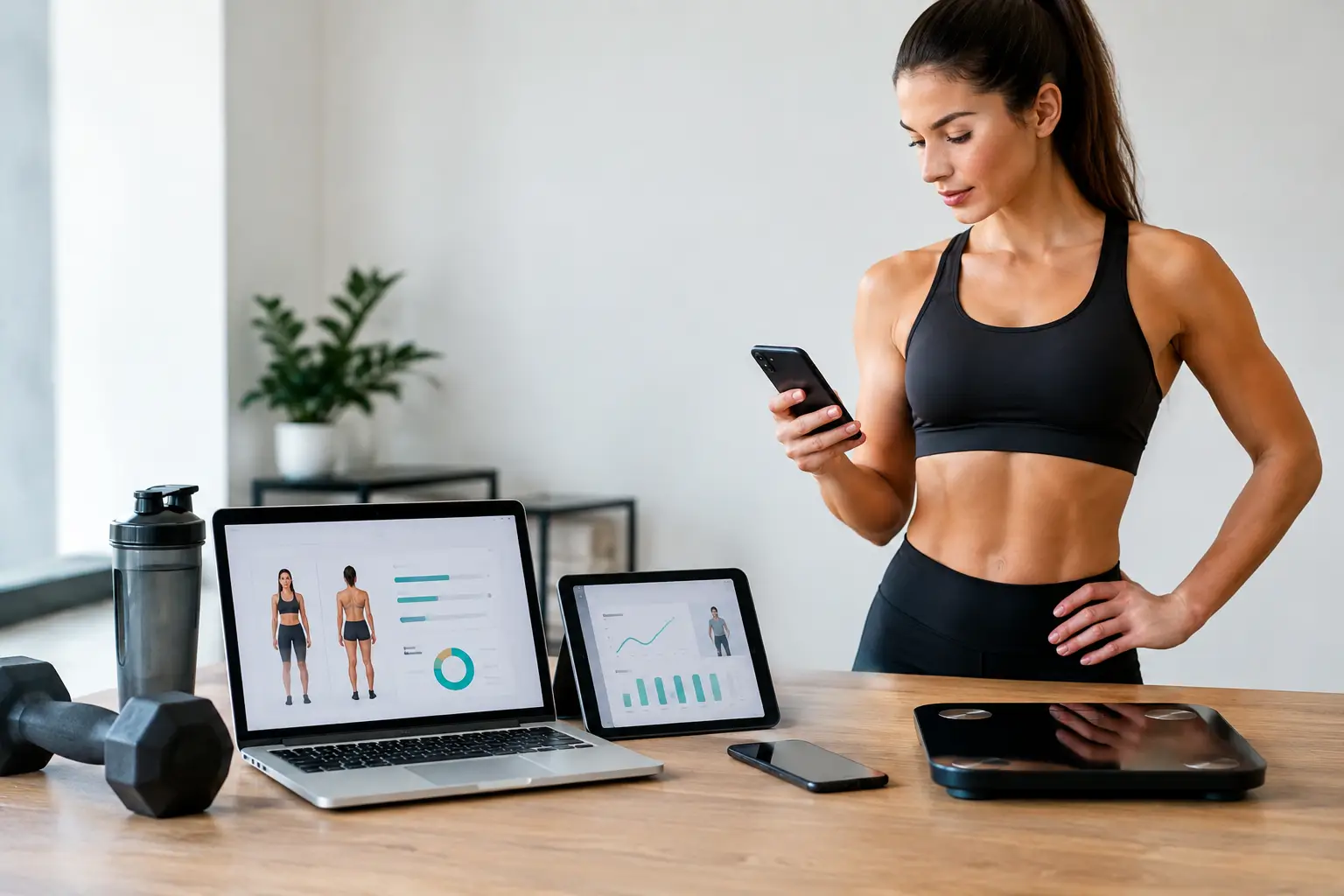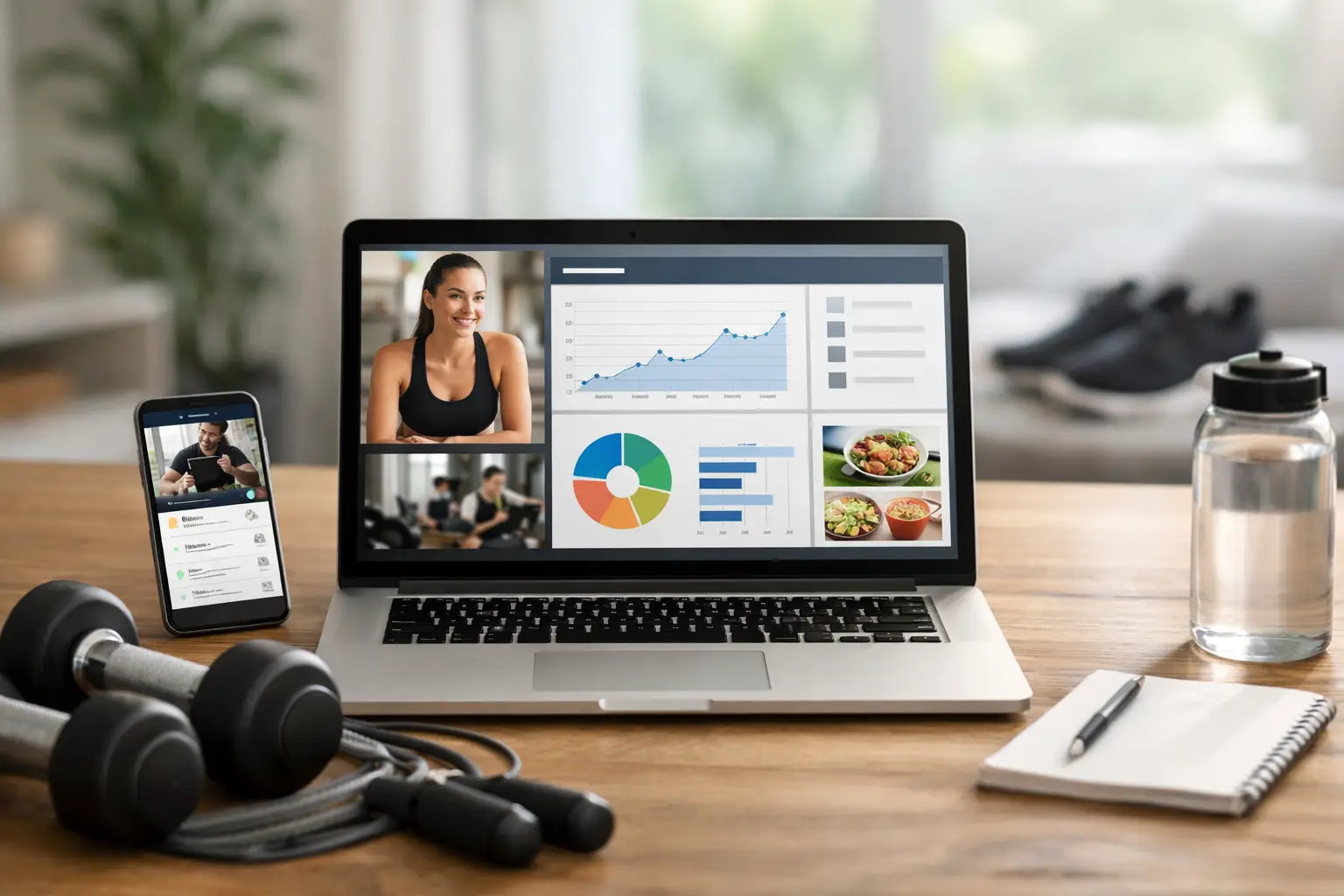
A client misses two training sessions, reports poor sleep in a weekly check-in, and starts drifting from their nutrition targets. If you need three spreadsheets, two apps, and a chain of messages to spot the pattern and respond, your portal is creating work instead of supporting coaching. What should a coaching portal include? The short answer is everything required to turn client data into clear coaching decisions, without forcing clients to navigate a fragmented tech stack.
For online fitness and nutrition coaches, a portal is not just a place to upload PDFs or assign workouts. It is the operating system behind delivery, adherence, retention, and scale. The right feature set should help you program with precision, monitor behavior consistently, communicate quickly, and maintain a branded experience as your roster grows.
What Should a Coaching Portal Include?
The strongest coaching portals connect the full client journey: onboarding, training, nutrition, daily execution, weekly feedback, and program adjustments. That integration matters because client results rarely hinge on one variable alone. A great training block loses value when nutrition adherence is unclear. A meal plan becomes less useful when fatigue, recovery, or step count are not part of the coaching conversation.
A portal should therefore give coaches one reliable view of each client while giving clients one simple place to take action. The goal is not to collect every possible metric. It is to collect useful information, surface what needs attention, and make the next coaching decision faster.
Training program design that supports real progression
A coaching portal needs a flexible workout builder that can handle individualized programming, not just generic exercise templates. Coaches should be able to build sessions, organize training days, prescribe sets, reps, loads, rest periods, tempo, and effort targets such as RIR. Clients need to see those instructions clearly in the app, log performance easily, and understand what comes next without waiting for clarification.
Exercise programming should also accommodate the way experienced coaches actually work. That means reusable templates for efficiency, exercise substitutions for equipment limitations or injuries, and the ability to duplicate or adjust programs across a roster without losing personalization.
More advanced programming workflows matter as a business scales. Multi-block periodization allows a coach to plan beyond the next week, while autoregulation uses the client’s reported performance to guide loading decisions. RIR-based adjustments are especially valuable when a client’s readiness changes from week to week. Rather than relying on a static percentage prescribed months earlier, the plan can respond to the lifter in front of it.
Automatic deload prompts can also help coaches recognize fatigue patterns before they become stalled progress or dropout risk. Automation should not replace professional judgment, but it can flag the clients who deserve a closer look.
Nutrition planning that lives beside training
Nutrition should not be treated as an add-on link to another platform. A coaching portal should include a meal plan builder, accurate food logging, macro targets, recipe support, and practical tools that make adherence easier in normal life.
For coaches, that starts with a meaningful food database, barcode scanning, real-time macro calculations, and the ability to build meals around the client’s preferences, schedule, budget, and dietary restrictions. Recipe libraries and auto-generated grocery lists turn a plan from a theoretical target into something a client can execute on a Tuesday night.
A BMR and TDEE calculator is useful for establishing starting targets, but it should not be mistaken for a permanent answer. Estimated expenditure is a starting point. The portal should make it easy to review bodyweight trends, nutritional compliance, hunger, energy, and training output before changing calories or macros.
The best nutrition tools also account for flexibility. When a client is short on protein or needs to replace a meal, intelligent meal-swap suggestions can preserve the plan’s macro intent without making the client rebuild their day from scratch. That reduces friction and keeps the coaching relationship focused on behavior, not app troubleshooting.
Check-ins and compliance data that drive action
Weekly check-ins are where remote coaching becomes personal. A portal should allow coaches to create structured check-in forms that capture the variables relevant to their service: bodyweight, progress photos, measurements, sleep, stress, digestion, energy, training performance, steps, menstrual-cycle considerations, and subjective feedback.
The form alone is not the value. The value comes from how quickly a coach can interpret the response. Client dashboards should show trends over time, including adherence to workouts, nutrition, and daily activity. A single missed target may not require intervention. A gradual decline across several weeks often does.
Compliance analytics give coaches a way to separate a programming problem from an execution problem. If a client is hitting workouts but not progressing, exercise selection, volume, recovery, or load management may need review. If they are completing only half the assigned sessions, the better adjustment may be a simpler plan, a schedule change, or a more direct conversation about barriers.
This distinction protects coaching quality. Without clear compliance data, coaches can make unnecessary plan changes based on incomplete information. With it, they can respond to patterns rather than assumptions.
Communication that stays connected to the plan
Messaging belongs inside the coaching workflow. A portal should give coaches and clients a clear channel for questions, feedback, and accountability without burying important context in text threads, social DMs, or personal email.
The practical benefit is speed. A client can ask about a movement, send context around a missed session, or receive a coaching cue where their training and nutrition plan already lives. Coaches can respond with the client’s current program, check-in history, and compliance data in view.
For growing teams, centralized communication also improves professionalism and continuity. Conversations remain attached to the client record rather than dependent on one coach’s phone. That is a small operational change with major value when you want a business that can scale beyond a handful of clients.
Automation should reduce admin, not reduce coaching
Automation is useful when it removes repetitive tasks and highlights decisions that need a human coach. It becomes a problem when it produces generic recommendations without context.
A capable coaching portal should automate client invites, reminders, recurring check-in workflows, program delivery, and basic progress signals. AI can add further leverage by summarizing weekly check-ins into wins, concerns, and possible adjustments. That can save significant review time across a large roster, especially when a coach still verifies each recommendation through their own expertise.
The key trade-off is control. Newer coaches may prefer more manual review while they develop their systems. Established coaches may benefit more from automation that triages check-ins and flags fatigue, poor compliance, or stalled metrics. A portal should support both workflows rather than force a single coaching model.
A branded client experience builds trust
Clients notice when their coaching service feels pieced together. A white-labeled portal with your logo, colors, and custom subdomain reinforces that they have invested in a professional coaching system, not a collection of free apps.
Branding is not only cosmetic. It improves consistency across invites, client communication, training delivery, and nutrition planning. For high-ticket and recurring coaching services, that consistency supports retention because the experience feels intentional from the first onboarding step onward.
Mobile access is equally essential. Clients log workouts at the gym, scan food in the grocery store, review meals in the kitchen, and complete check-ins between work commitments. Native iOS and Android apps, mobile web access, and activity syncing through Apple Health or Health Connect make the portal fit the client’s routine instead of asking them to change it.
Community features, challenges, and leaderboards can add engagement for group coaching or hybrid models. They are not necessary for every private coaching offer, though. For a highly individualized physique client, direct accountability may matter more than public competition. For a large transformation group, shared momentum can materially improve participation.
Choose infrastructure, not another disconnected app
The right portal depends on your service model, roster size, and how deeply you coach nutrition. But the baseline should be clear: training, nutrition, check-ins, communication, data, and client experience need to work as one system.
CoachingPortal is built around that integrated delivery model, combining evidence-based programming tools, nutrition planning, compliance analytics, AI-assisted review, and white-label client access in one place. That means less time reconciling information across platforms and more time making high-value coaching decisions.
A portal earns its place in your business when a client can open one app, know exactly what to do, and feel supported when real life disrupts the plan. Build around that standard, and your systems will strengthen both client outcomes and the capacity to grow.