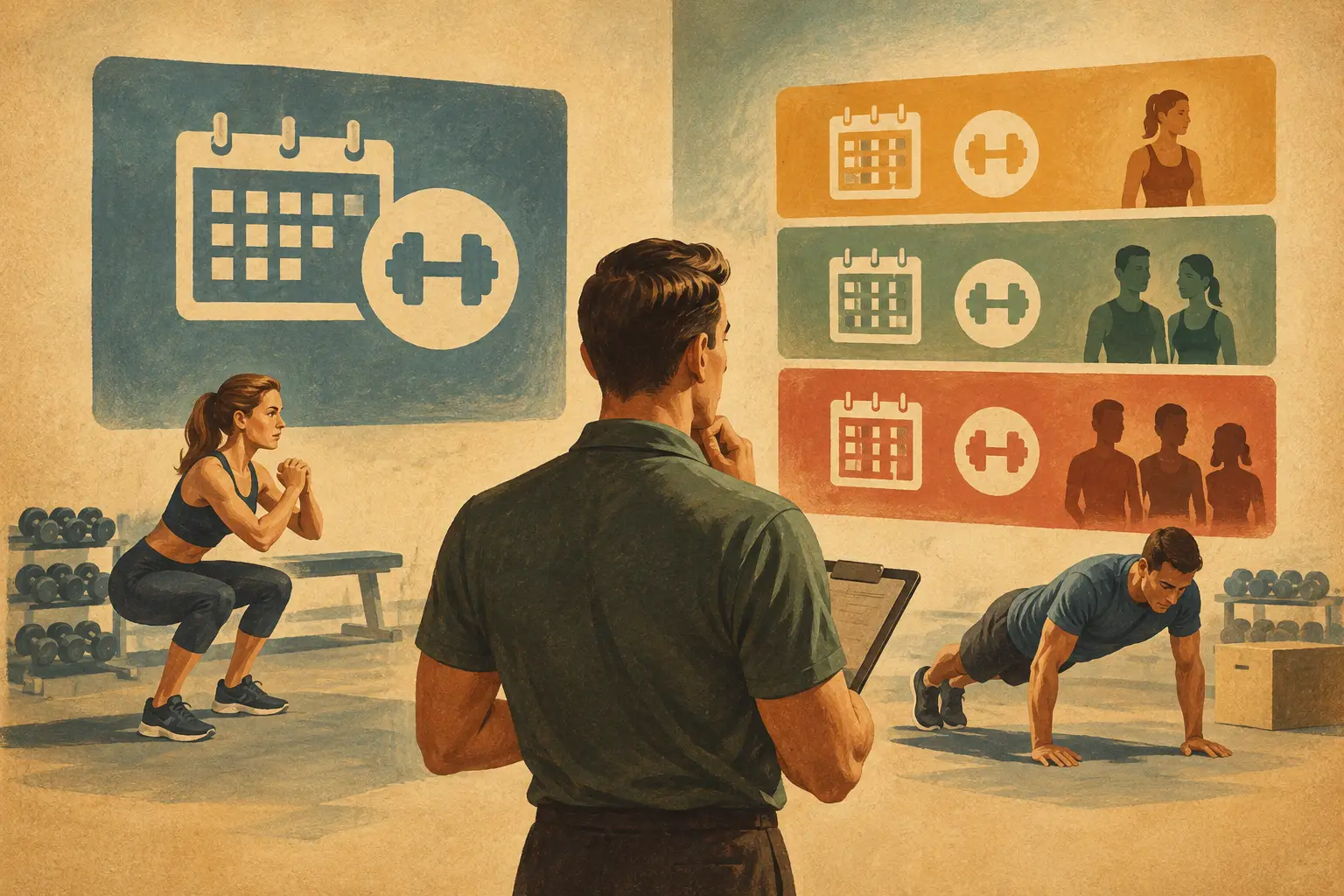
Monday morning should not start with 27 unread check-in messages, three Google Forms, two missed progress photos, and a client asking where to log their macros. If you are trying to figure out how to automate client check ins, the real goal is not to remove the human side of coaching. It is to remove the repetitive admin that slows down delivery, creates inconsistency, and limits how many clients you can coach well.
For fitness and nutrition coaches, check-ins are where adherence, recovery, biofeedback, progress, and decision-making all come together. They are also one of the biggest operational bottlenecks in a growing coaching business. When the process lives across email, spreadsheets, messaging apps, and separate nutrition tools, the work multiplies fast. Automation fixes that, but only if you set it up with the right logic.
Why automating client check ins matters
A manual check-in system usually breaks in predictable ways. Clients forget to submit on time. Coaches chase missing data. Responses arrive in different formats. Progress photos end up in camera rolls. Action items get buried in chat threads. None of that makes your coaching better.
A structured automated process does three things at once. It improves compliance because clients know exactly what to do and when to do it. It improves coaching quality because your decisions are based on cleaner, more consistent data. And it improves business capacity because you stop spending hours every week on reminders, sorting, and follow-up.
That trade-off matters. Most coaches do not need more tools. They need fewer disconnected steps. Good automation is not about sending generic messages on a timer. It is about building a repeatable review system that still leaves room for professional judgment.
How to automate client check ins without making them feel generic
The mistake many coaches make is automating the message before they automate the workflow. A scheduled reminder alone is not a system. You need the submission, the data capture, the review process, and the response loop to work together.
Start with the client journey. Decide when check-ins happen, what data matters for each client type, where that data is collected, and what happens after submission. A fat loss client in a high-accountability phase may need weekly body weight trends, compliance scores, hunger feedback, training performance, step count, sleep quality, and photos. A performance athlete in maintenance may need less frequent body composition feedback and more focus on recovery and performance markers.
That means the right level of automation depends on the service. If every client receives the same check-in form and the same follow-up cadence, you may gain efficiency but lose coaching precision. The better approach is standardized structure with controlled customization.
Build the check-in around decision-making
The fastest way to waste automation is to collect data you do not use. Every field in a check-in should support a coaching decision.
If a client logs body weight, ask whether you are reviewing daily averages or isolated weigh-ins. If they submit progress photos, be clear on frequency and comparison conditions. If they rate energy, hunger, digestion, and sleep, define how those answers influence programming or nutrition adjustments. This is where better systems outperform patchwork forms. They keep client reporting tied directly to coaching actions.
A strong check-in flow usually includes objective metrics, subjective feedback, and adherence markers. Objective data gives you trend visibility. Subjective feedback provides context. Adherence markers tell you whether the plan failed or the execution did.
That distinction is critical. Coaches often change calories, training volume, or cardio too quickly when the real issue is poor compliance. Automated compliance tracking helps prevent that. If the system can surface missed habits, incomplete logging, low training adherence, or inconsistent macro targets before you review the check-in, you can respond with better accuracy.
Use automation where coaches lose the most time
If you want immediate leverage, automate the parts of check-ins that do not require expertise. Reminders are the obvious one, but they are only the beginning.
Submission prompts should be scheduled automatically based on the client's plan. Data collection should happen in one place, not across multiple apps. Progress photos, body stats, nutrition logs, habits, and training data should feed into the same review environment. Once a check-in is submitted, the platform should flag missing items, organize trends, and surface changes worth attention.
This is where a centralized coaching system changes the economics of service delivery. Instead of spending time gathering inputs, you spend time interpreting them. That is a much better use of a coach's brain.
Automated analysis can help here too, as long as it supports your reasoning rather than replacing it. Pattern recognition around weight trends, biofeedback drops, compliance scores, or training performance helps you identify where to look first. That shortens review time without turning your coaching into copy-paste feedback.
Keep personalization in the response, not the admin
Some coaches resist automation because they think clients will feel like a number. Usually the opposite is true when the system is built well. Clients notice when check-ins are late, inconsistent, or clearly reviewed in a rush. They also notice when feedback is specific, timely, and tied to what they actually submitted.
Automation should handle the admin layer so your personal attention can go into interpretation, coaching decisions, and communication. That means your reminders, check-in windows, data requests, and tracking structure can be automated, while your response stays individualized.
For example, if the system already shows that a client's training compliance dropped from 90 percent to 55 percent, average sleep fell by an hour, and body weight stalled for 10 days, your message can skip the fact-finding and get straight to the coaching. You are discussing root causes, adjusting the plan, and reinforcing priorities. That feels more personal, not less.
How to automate client check ins for different coaching models
Not every coaching business needs the same setup. A solo online fitness coach with 30 recurring clients needs efficiency. A hybrid gym and remote coaching operation may need segmentation. A nutrition coach working with behavior-focused clients may need stronger habit prompts and simpler reporting.
If your model is high-touch premium coaching, automate scheduling, forms, reminders, compliance scoring, and data organization, but keep detailed weekly feedback. If your model is lower-touch or semi-custom, automation may need to extend further into templated education, smart nudges, and structured follow-up based on client status.
The point is not to automate everything possible. The point is to automate the repeatable parts that do not improve from being done manually.
This is also where one platform is easier to scale than a stack of separate tools. When training, nutrition, habits, messaging, and check-ins all live together, you reduce friction for both coach and client. CoachingPortal is built around that exact use case, which matters if you are trying to grow without adding more admin complexity every month.
What to avoid when setting up automation
Over-automation is real. If every client gets the same reminders, the same form, the same feedback template, and the same adjustment rules, you are no longer delivering coaching at a high standard. You are running a form-processing business.
There is also a risk in collecting too much. More data does not always mean better decisions. If clients feel like the check-in is a weekly exam, completion rates drop. Keep the process tight enough that clients will actually do it consistently.
Another common issue is poor timing. A check-in sent at the wrong point in the week can create bad data. If you want accurate training feedback, do not request it before the hardest sessions are complete. If a client struggles on weekends, a Monday check-in may reveal more than a Friday one. Small operational choices affect data quality.
Finally, do not automate without clear review standards. If your system surfaces compliance scores, trend graphs, and check-in summaries, you still need a decision framework. What triggers a calorie change? What merits maintaining the plan? When does low recovery justify reducing training volume? Automation works best when paired with coaching logic.
The simplest path to a better system
If your current process is messy, do not try to rebuild everything at once. Start by standardizing one check-in flow for one client type. Define the schedule, required metrics, compliance markers, and feedback process. Then automate reminders, submission, and data organization first.
Once that is working, layer in smarter analysis, client segmentation, and more advanced triggers. That progression keeps the system usable. A perfect workflow on paper is useless if clients ignore it or your team cannot run it consistently.
The best automated check-in system does not feel automated to the client. It feels organized, responsive, and professional. That is the standard to aim for. When your workflow removes friction, clients engage more, your coaching decisions improve, and your business becomes easier to scale without lowering the quality that got results in the first place.
A good check-in should tell you what changed, why it changed, and what to do next. If automation helps you get to that answer faster, it is doing exactly what it should.