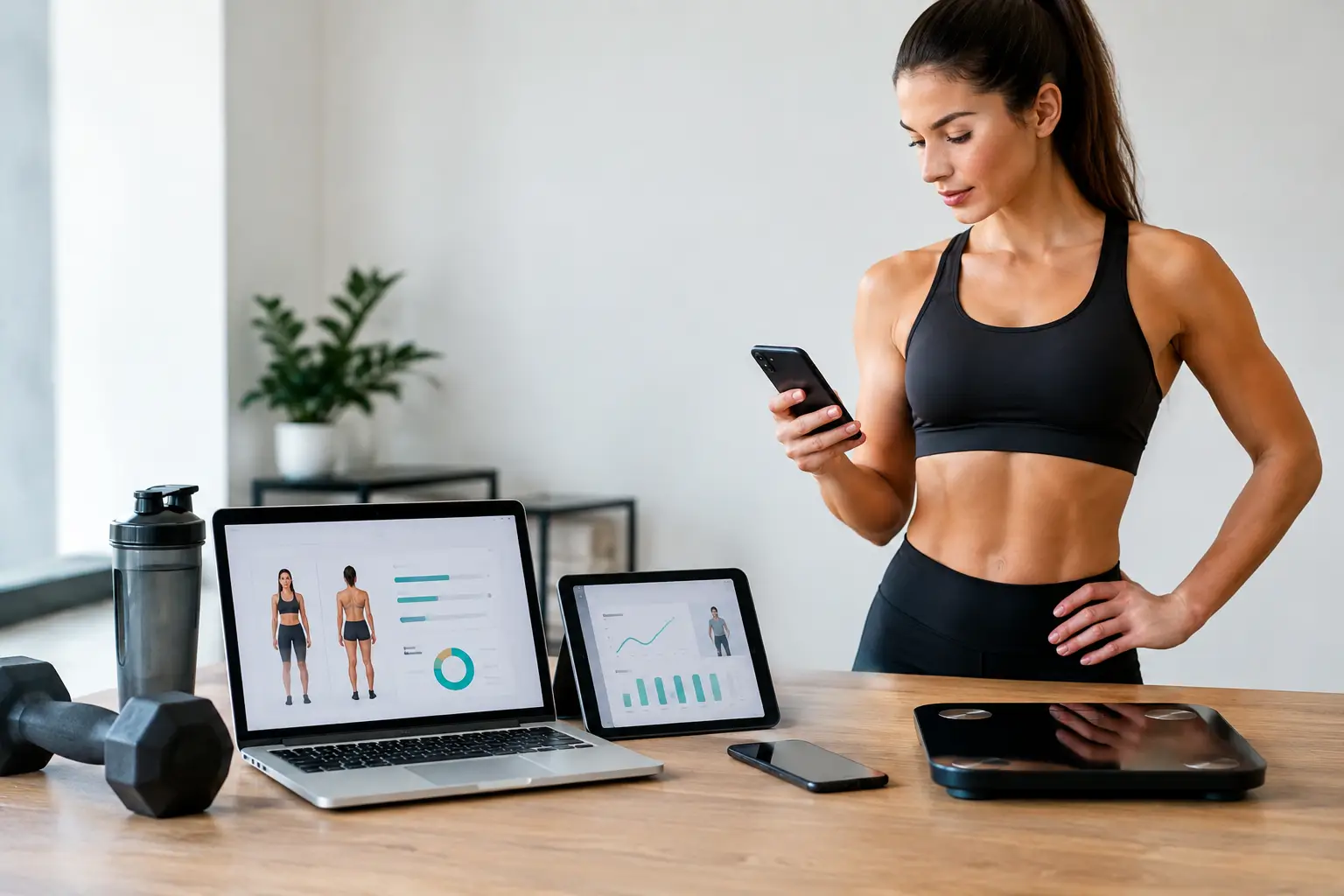
Taking charge of your own fitness journey is a common goal for many athletes and gym-goers. Instead of hiring a personal coach, you can design, manage, and adjust your training program independently. Self-coaching software provides the digital tools to make this possible, offering program builders, progress tracking, nutrition planning, and sometimes even AI-driven adjustments. This article walks you through the process of creating your own training program using self-coaching software and highlights what to look for in a platform.
What Is Self-Coaching Software?
Self-coaching software is a category of digital tools that allow individuals to plan, execute, and monitor their own training without needing a live human coach. While many coaching platforms are built for professionals who manage clients, a growing number offer dedicated self-coaching modes. For example, CoachingPortal provides a self-coaching mode at self.coachingportal.io where individuals can train themselves using the same program builder and nutrition tools that professionals use with their clients. Other platforms like Rocky.ai, CoachVantage, and GetResponse are primarily aimed at organizations or professional coaches, though some of their features, such as scheduling or AI coaching, can also support independent users.
Step-by-Step Guide to Creating Your Program
Set Clear Goals and Constraints
Before you touch any software, define what you want to achieve. Common goals include building muscle, losing fat, improving endurance, or mastering a specific skill. Also consider your available equipment (home gym vs. commercial gym) and weekly training frequency. Most self-coaching software will ask for these parameters upfront or let you set them in a user profile.
Choose a Template or Build From Scratch
Many platforms offer pre-designed training templates. Using a template saves time and is helpful if you are new to program design. Alternatively, you can create your own program from scratch. In CoachingPortal’s program builder, for instance, you can select exercises, set sets and reps, and assign rest periods. The software supports multi-block periodization and auto-periodization, which automatically adjusts your training blocks over time based on your progress and fatigue patterns.
Select Exercises and Set Parameters
Choose exercises that match your goals. For hypertrophy, compound and isolation movements work well. For strength, focus on compound lifts with progressive overload. Self-coaching software often includes an extensive exercise library. CoachingPortal’s meal plan builder also integrates with a database of over 1 million foods and 17,000 recipes, so nutrition can be paired with your training program seamlessly.
Schedule and Manage Periodization
Periodization is the systematic planning of training phases. Self-coaching software can handle this automatically. CoachingPortal’s auto-periodization includes RIR-based (repetitions in reserve) autoregulation and automatic deload scheduling. When the software detects fatigue patterns, it schedules a deload week without you having to calculate it manually. This is a feature that manual methods, like using a spreadsheet, cannot easily replicate.
Track Progress and Make Adjustments
Once your program is running, log your workouts and nutrition. Self-coaching software can track compliance, show trends, and even suggest adjustments. CoachingPortal’s CoachGPT reads weekly check-ins and summarizes wins, concerns, and suggested changes. Similarly, Food AI can suggest meal swaps when your macronutrients are off. Over time, the software learns from your data and refines the program.
Key Features to Look for in Self-Coaching Software
Different platforms offer varying capabilities. When choosing self-coaching software, consider these features:
- Program builder: Ability to create or customize training sessions with exercises, sets, reps, rest, and notes.
- Nutrition integration: Meal planning, calorie/macro tracking, barcode scanning, and grocery list generation. CoachingPortal offers these natively along with a BMR/TDEE calculator.
- AI assistance: Tools like auto-periodization, RIR-based load adjustment, and AI chat (e.g., CoachGPT) can reduce guesswork.
- Progress tracking: Dashboards showing workout logs, nutrition compliance, and goal achievement.
- Mobile access: Native iOS and Android apps, plus mobile web, with step syncing via Apple Health and Health Connect.
- White-label options: Even for self-coaching, having a branded experience can be motivating. CoachingPortal offers white-label on every plan including free, with a custom subdomain and your own logo and colors.
Because the term “self-coaching software” is not formally defined across the industry, you will find that most platforms target professional coaches. CoachingPortal explicitly provides a self-coaching mode for individuals, which makes it a direct fit for this use case.

Comparing Self-Coaching Platforms
The table below summarizes several coaching platforms based on the available research. Note that not all are specifically designed for self-coaching, so suitability varies.
| Platform | Pricing | Key Features | Suitability for Self-Coaching |
|---|---|---|---|
| CoachingPortal | Free up to 5 clients (no trial expiry, no credit card); flat-rate paid plans | Program builder, meal plan builder (1M+ foods, 17K+ recipes), auto-periodization, RIR autoregulation, CoachGPT, Food AI, white-label, native mobile apps | Designed for both professional coaches and self-coaching individuals via self.coachingportal.io |
| Rocky.ai | From $29 (free trial included) | Enterprise AI coach, multi-agent coaching, roleplay platform, enterprise security | Targets organizations, professional coaches, and individuals; less focused on training program building |
| CoachVantage | Free trial available (pricing not specified) | All-in-one coaching management: scheduling, payments, contracts, online courses, AI-enabled features | Primarily for life coaches managing clients, not designed for self-training |
| GetResponse | Free plan available; paid plans $15–$56 per month for 1,000 contacts | Marketing automation, email marketing, landing pages, webinars | Marketing tool for coaches, not a training program builder |
| MentorcliQ | Not disclosed | Advanced matching engine, program management, analytics (targets large organizations) | Employee development and mentoring, not personal fitness coaching |
When evaluating platforms, check whether they offer the specific features you need for self-coaching, especially program building and nutrition tracking, rather than just client management or marketing automation.
Getting Started with Your Own Program
If you are ready to begin, start by exploring free options. CoachingPortal offers a free forever plan for up to five clients, which also covers self-coaching use. Their free standalone tools include a macro calculator, RPE/RIR converter, and 1RM calculator, which can help you set initial training loads. Many self-coaches have used spreadsheets or apps like MyFitnessPal in the past, as one Reddit user noted on r/bikinitalk. However, integrated self-coaching software eliminates the manual work of transferring data between multiple tools. With a single platform, your workout logs, nutrition intake, and progress data all live in one place, and the software can automatically adjust your program based on real-world results.

Frequently Asked Questions
What is self-coaching software?
Self-coaching software is a digital tool that lets individuals design, manage, and adjust their own training and nutrition programs without relying on a human coach. It typically includes a workout builder, tracking dashboards, and sometimes AI features that automate periodization and adjustments.
How is self-coaching software different from coaching software for professionals?
Coaching software for professionals is built to manage multiple clients, including scheduling, billing, and client communication. Self-coaching software focuses on the individual’s own training and nutrition. Some platforms, like CoachingPortal, offer both modes, allowing you to use the same feature set whether you train yourself or work with a coach.
Is self-coaching effective without a human coach?
Yes, for many people. Self-coaching software provides evidence-based tools such as auto-periodization and RIR autoregulation that mimic some of the decision-making a human coach would perform. However, it requires self-discipline and a basic understanding of training principles. The software handles the calculations and adjustments, but you must be consistent in logging your data.
Can I create a nutrition plan with self-coaching software?
Many self-coaching platforms integrate nutrition planning. CoachingPortal includes a full meal plan builder with a food database of over 1 million items, 17,000 recipes, a barcode scanner, and automatic grocery list generation. You can set your calories and macros and the software will suggest meals and swaps when your macros go off target.
Do I need to pay for self-coaching software?
Some platforms offer free tiers. CoachingPortal’s free forever plan for up to five clients gives you full access to all features including the self-coaching mode, no trial expiry and no credit card required. Other platforms like Rocky.ai start at $29 with a free trial. Always check the terms of free plans before signing up.
Creating your own training program with self-coaching software puts the power of periodization, nutrition planning, and progress tracking directly in your hands. By choosing a platform that supports both program building and automatic adjustments, you can train more effectively without needing a coach on speed dial. Start with the free tools available and build from there as your goals evolve.