Tracking food intake accurately is a core challenge for nutrition coaches and their clients. Manually entering every meal is time-consuming and often leads to errors or skipped logging. A reliable barcode scanner for nutrition makes the process faster and more precise, allowing clients to log packaged foods with a simple scan. For coaches, choosing the right barcode scanner and food database can streamline meal tracking, improve client compliance, and free up time for coaching itself. This article explores what barcode scanners offer, compares leading options, and explains how platforms like CoachingPortal integrate these tools into a complete coaching workflow.
What a Barcode Scanner Does for Nutrition Tracking
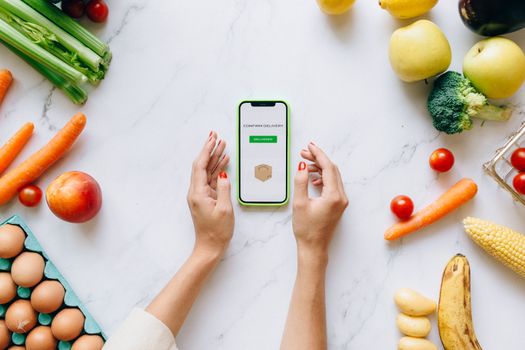
A barcode scanner for nutrition uses a smartphone camera to read the unique barcode on a packaged food item. The app then looks up that barcode in its database, retrieving the product's nutritional information such as calories, macronutrients, and often micronutrients. This data is automatically added to the user's daily food log. For example, Cronometer's barcode scanner is free to use and can even fill in missing nutrients with a "Better Alternative" feature that pulls data from similar foods when the exact product entry is incomplete. If a product is not found, users can add it by taking two photos (front of package and nutrition label).
LogMeal's barcode scanner API, aimed at developers, can create and assign intakes from a product's barcode and boasts a database of over 3 million products from 150 countries. Meanwhile, the Food Scanner - Barcode app by Mary srl goes beyond basic nutrition by providing Nutri-Score, NOVA Score, and Eco-Score for scanned products. The Mayo Clinic DietHelp app also includes a barcode scanner for adding food to its tracker. For coaches, these tools mean clients can log foods in seconds, reducing friction and increasing the likelihood of consistent tracking.
Key Features Nutrition Coaches Should Look For
Not all barcode scanner apps are built for professional use. Coaches need tools that are reliable, comprehensive, and compatible with their coaching platform. Below is a comparison of notable options based on the available information.
| App / Service | Database Size | Notable Features | Target User |
|---|---|---|---|
| Cronometer | Global coverage, A+ success rate in North America | Free barcode scanner, Better Alternative for missing nutrients, manual food addition via photos | Consumers and health-conscious individuals |
| LogMeal API | 3 million+ products from 150 countries | Barcode scanner API, creates and assigns intakes from barcode | Developers and app integrators |
| Food Scanner - Barcode (Mary srl) | Unknown, but includes scoring systems | Nutri-Score, NOVA Score, Eco-Score, allergen alerts | Consumers focused on ingredient quality and sustainability |
| Mayo Clinic DietHelp | Available within app | Barcode scanner for food tracking | Users of the Mayo Clinic diet program |
| GS1 US Food Barcode Trackers | Standard-based, general tracking | Adds calories to daily intake total | General public |
| BioBrief: Food Scanner | Described as 'all-in-one tool' for healthier food choices | Makes informed choices with a scan | Health-conscious consumers |
Each option has strengths. Cronometer is strong on nutrition completeness. LogMeal offers a large database for developers. Food Scanner - Barcode provides multi-dimensional scores. Coaches should consider whether the scanner integrates with their existing software, supports custom food additions, and covers the regions where their clients shop.
How Coaches Can Use Barcode Scanners with Clients
Integrating a barcode scanner into client management can drastically improve data accuracy and client engagement. When clients can scan their meals in seconds, they are less likely to skip logging or guess portion sizes. For coaches, having reliable nutrition data helps in adjusting meal plans, identifying trends, and providing evidence-based recommendations.
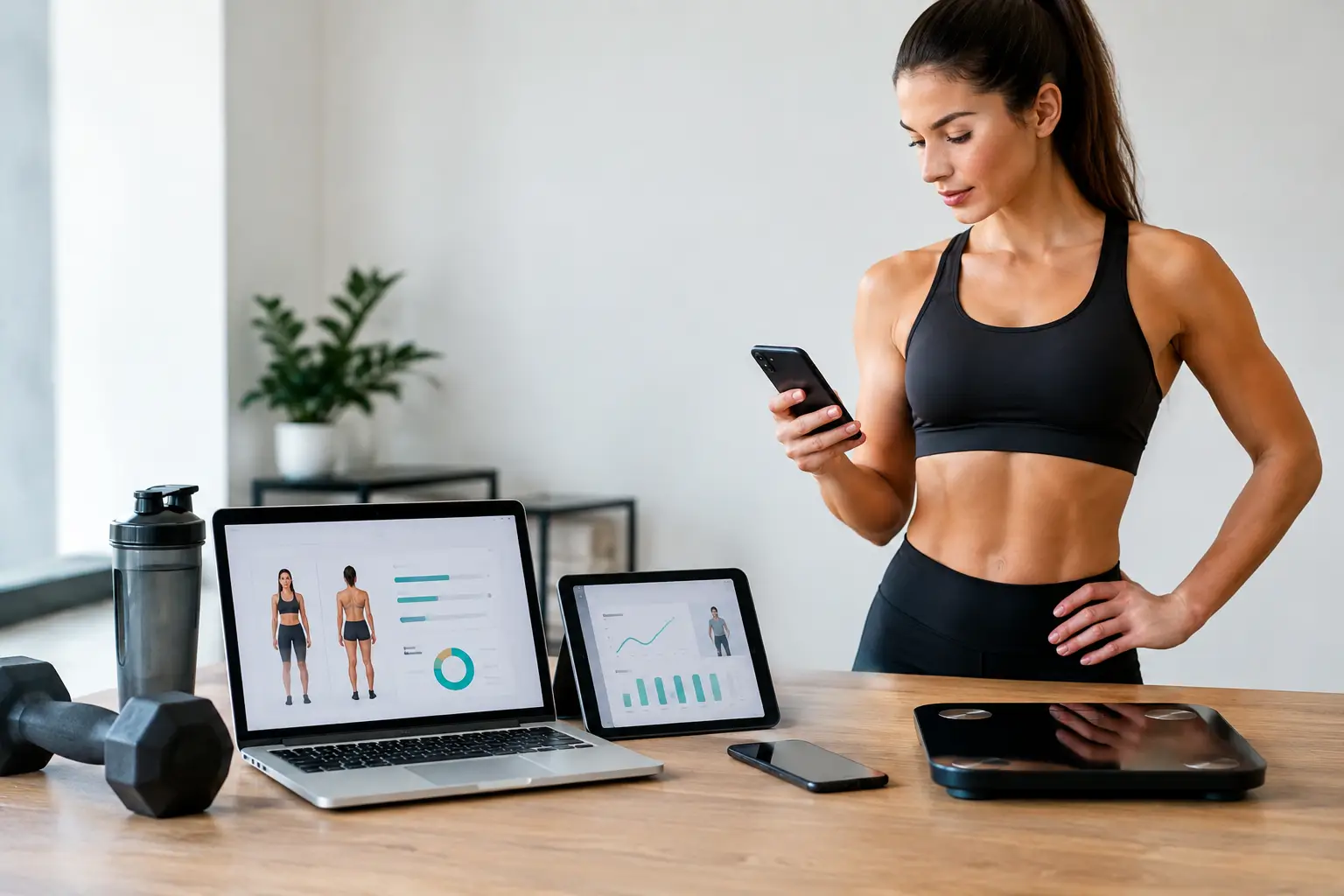
Platforms that combine training and nutrition in one place offer a significant advantage. CoachingPortal is an all-in-one coaching platform that includes a meal plan builder with a barcode scanner. Coaches using CoachingPortal can assign meal plans, track client compliance through real-time macros, and generate grocery lists automatically. The barcode scanner, powered by a large food database, allows clients to log packaged foods quickly. This integration means coaches do not have to juggle separate apps for training and nutrition; everything is unified under one white-labeled client experience.
For instance, when a client scans a product, the macros are immediately available in their daily log. If a client's macros are off, CoachingPortal's Food AI can suggest meal swaps. This automation saves coaches hours of manual analysis each week. The barcode scanner becomes a practical tool for daily use, not just a novelty.
Coaches can also guide clients on how to handle products not found in the database. Apps like Cronometer allow users to add missing products by taking photos of the package and nutrition label. Coaches should communicate this process to clients to ensure no food goes unlogged. Over time, a shared database of frequently used items can be built, making tracking even faster.
Limitations and Considerations
Despite their convenience, barcode scanners for nutrition have limitations that coaches must keep in mind. The accuracy of nutrition data depends on the database behind the scanner. While Cronometer boasts an A+ success rate in North America, coverage may be less comprehensive in other regions. LogMeal's database covers 150 countries, but not every product will be present. Users on Reddit have reported historical reliability issues with some apps, suggesting that data may not always be complete or correct.
Another consideration is that scanning a barcode does not account for preparation method or portion size variations. A scanned frozen meal may list values for the package, but a client might eat only half. Coaches should educate clients to adjust servings accordingly. Additionally, some apps require a subscription for advanced features; for example, Cronometer's scanner is free, but other apps may have paid tiers. Coaches should verify current pricing before recommending an app to clients.
Finally, not all barcode scanner apps provide the same level of nutritional detail. Some focus on calories and macros, while others like Food Scanner - Barcode add scores for processing (NOVA), nutritional quality (Nutri-Score), and environmental impact (Eco-Score). Coaches whose clients care about ingredient quality or sustainability may prefer such tools. However, for strict macro tracking, a simpler scanner with a robust food database may suffice.
Coaches can mitigate these limitations by selecting a scanner that allows manual entry and by using a platform that centralizes data. CoachingPortal, for example, lets coaches see client logs and adjust plans based on scanned entries. When combined with client check-ins and compliance analytics, the barcode scanner becomes a reliable data source rather than a single point of truth.
Frequently Asked Questions
Is a barcode scanner for nutrition free?
Cronometer offers a free barcode scanner for its users. Other apps may include the scanner in a free tier or require a subscription. Coaches should check each app's current pricing directly, as features and costs can change over time. Some API-based services like LogMeal are aimed at developers and may have usage fees.
What happens if a product's barcode is not in the database?
Many apps allow manual entry. Cronometer, for example, lets users add a product by taking two photos: one of the front of the package and one of the nutrition label. The app then enters the data into its system. Coaches should teach clients this process to ensure all foods are logged, even when the database lacks the product.
Can a barcode scanner be used for fresh foods or restaurant meals?
Barcode scanners work only on packaged goods with a GS1-style barcode. Fresh fruits, vegetables, and bulk items typically do not have barcodes. For those, users need to search the database or enter the food manually. Restaurant meals also require manual entry or searching for similar entries. Coaches can help clients develop strategies for logging non-packaged foods.
Which barcode scanner app is most reliable for accurate nutrition data?
No single app can be called the most reliable for all regions and products. Cronometer claims an A+ success rate in North America and offers a Better Alternative feature to fill gaps. LogMeal has a large international database. User reviews on Reddit suggest that reliability varies. Coaches should test an app with products their clients commonly eat before recommending it widely.
How does a barcode scanner integrate with coaching software?
Coaching platforms like CoachingPortal include built-in barcode scanners within their meal planning tools. Clients scan products in the platform's mobile app, and the nutrition data is synced with the coach's dashboard. This integration eliminates the need for separate tracking apps and ensures all data stays within the coaching ecosystem, making it easier to monitor compliance and adjust nutrition plans.
Ultimately, a barcode scanner for nutrition is a valuable addition to any coach's toolkit. It reduces client effort, increases logging consistency, and provides coaches with accurate data to guide decisions. By choosing a scanner that pairs well with a comprehensive platform like CoachingPortal, coaches can deliver a seamless experience that keeps clients engaged and on track toward their goals.